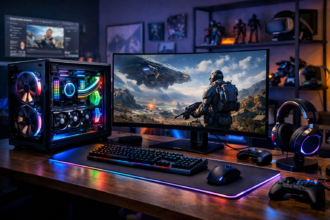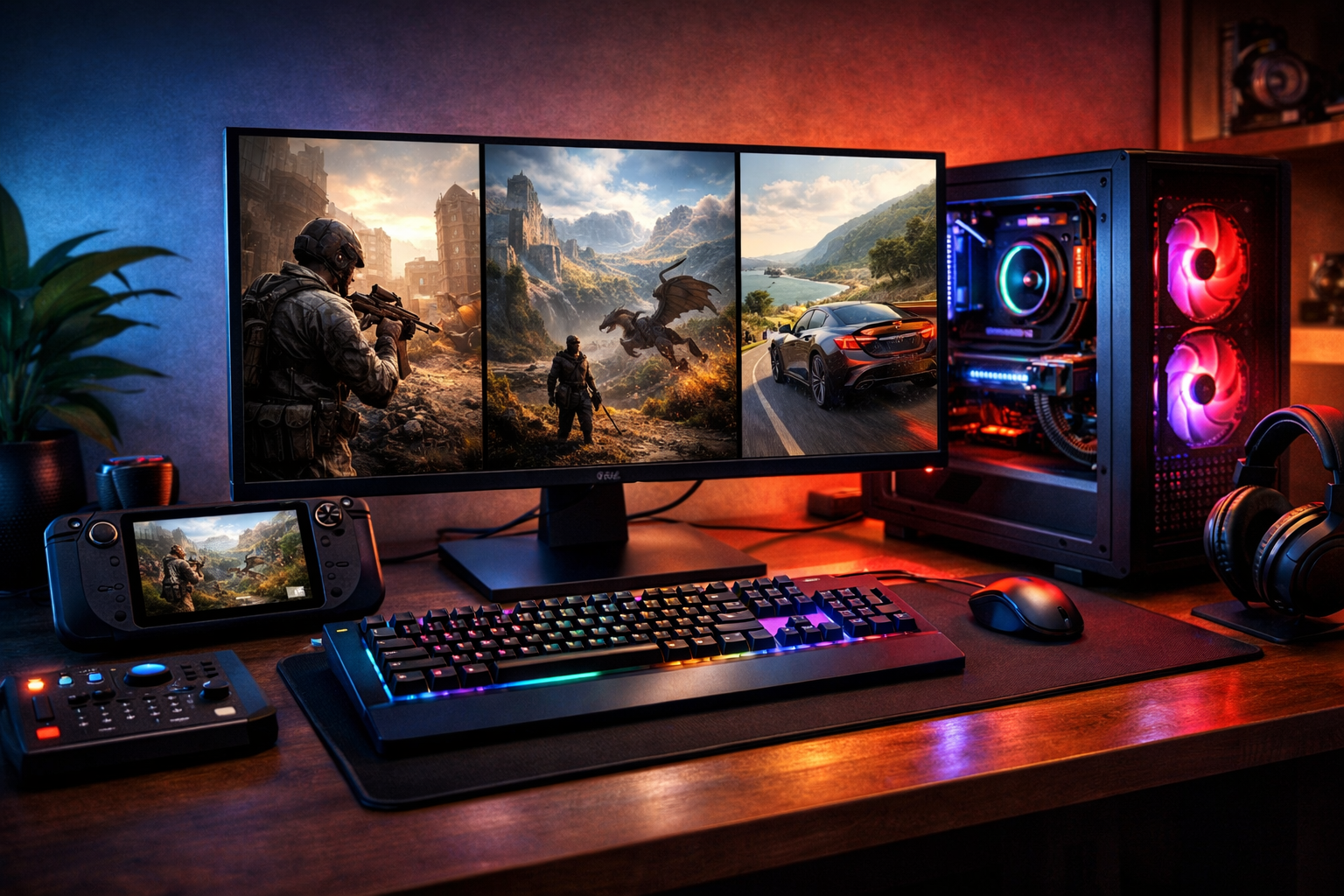
The PC Gaming Advantage: Choice as a Feature
PC gaming has always been defined less by a single device and more by an ecosystem. Instead of one fixed box, you get a platform that can scale from a budget-friendly entry rig to a high-end machine built for ultra settings, high refresh rates, and creative workloads. The result is a style of gaming where you can tailor performance, visuals, controls, and even the games themselves to your preferences.
That flexibility shows up everywhere: you can cap frame rates to reduce heat, tune graphics to prioritize clarity or speed, remap keys to fit accessibility needs, or switch between mouse-and-keyboard, controller, or specialized peripherals like wheels and flight sticks. PC gaming’s biggest strength is that it doesn’t force one “correct” way to play.
Hardware Basics: Understanding What Actually Matters
Modern PC games lean on a few core components. Knowing what each part does helps you spend strategically and avoid paying for performance you won’t notice.
- GPU (Graphics Card): The main driver of frame rate and visual fidelity in most games. If you play at 1440p or 4K, the GPU is usually the priority.
- CPU (Processor): Important for high frame rates, simulation-heavy games, strategy titles, and competitive shooters where consistent performance matters. A weaker CPU can bottleneck a powerful GPU at lower resolutions.
- RAM: 16GB is a comfortable baseline for modern gaming; 32GB can help with heavy multitasking, mods, or creator tools running alongside games.
- Storage (SSD): An SSD dramatically improves load times and overall responsiveness. NVMe drives are faster, but any decent SSD is a big leap from a hard drive.
- Cooling and Power: Stable performance depends on temperatures and reliable power delivery. A quality power supply and adequate airflow protect your investment.
Resolution, Refresh Rate, and the “Feel” of a Game
PC gaming shines when you match your hardware to your monitor. A 1080p 144Hz monitor emphasizes smooth motion and responsiveness. A 1440p display often balances sharpness and high frame rates. 4K looks stunning, but it’s the most demanding. Competitive players commonly prioritize refresh rate, while single-player enthusiasts may prefer higher resolution and visual quality.
Graphics Settings and Upscaling: Free Performance (When Used Well)
One hallmark of PC gaming is granular control over graphics options. The key is understanding which settings meaningfully impact image quality and which mainly cost performance.
- Big performance hitters: ray tracing, shadows, volumetrics, and heavy post-processing.
- Often “cheap” improvements: texture quality (if you have enough VRAM), anisotropic filtering, and moderate anti-aliasing.
Upscaling technologies have become central to PC performance tuning. By rendering the game at a lower internal resolution and reconstructing the image, upscalers can deliver a large frame-rate boost with minimal quality loss when configured correctly. Frame generation (where supported) can further increase perceived smoothness, though competitive players may still prefer native rendering or traditional upscaling to minimize latency.
The PC Game Library: Stores, Subscriptions, and Backward Compatibility
PC players benefit from a broad marketplace. Multiple storefronts compete on pricing, features, refunds, and regional availability. Frequent sales make it easier to build a library over time, and many older games remain playable for years—sometimes decades—thanks to community patches, remasters, or compatibility tools.
Subscriptions and bundles can also be practical if you like trying many genres. They’re especially useful for discovering indie games, shorter narrative titles, or experimental releases you might not buy outright.
Mods and Community Content: Extending Games Beyond the Box
Modding is one of the clearest ways PC gaming sets itself apart. In some games, mods are simple quality-of-life improvements: better UI, accessibility tweaks, or bug fixes. In others, they can fundamentally transform the experience with new quests, maps, characters, and mechanics.
Beyond gameplay, community content includes reshade presets, texture packs, custom servers, and user-made tools that expand what a game can do. For players who enjoy tinkering, modding turns games into platforms—experiences that can evolve long after release.
Practical Modding Advice
- Start with a mod manager when available to simplify installs and avoid conflicts.
- Read compatibility notes and update logs, especially after game patches.
- Back up saves before installing large overhauls.
Controls, Accessibility, and Competitive Edge
Mouse-and-keyboard remains popular for shooters and strategy games thanks to precision and hotkeys, but PC gaming is increasingly input-agnostic. Many games support controllers natively, and custom mapping software can help unify controls across different titles. For simulation fans, peripherals like racing wheels, pedals, HOTAS setups, and VR headsets deliver specialized immersion that’s hard to replicate elsewhere.
Accessibility options are often stronger on PC as well. Players can adjust text size through system scaling, use third-party tools for remapping, or install mods that improve colorblind visibility, add subtitles, or refine UI clarity.
Building or Buying: A Balanced Path for Newcomers
Getting into PC gaming doesn’t require chasing the most expensive components. A well-balanced system typically feels better than an unbalanced one with a single standout part. Pairing a capable midrange GPU with a solid CPU, 16GB of RAM, and an SSD provides a smooth baseline for a wide range of genres.
Prebuilt desktops and gaming laptops have improved, especially for players who value convenience and warranty support. Building your own PC offers better customization and upgrade flexibility, but it also demands more research and comfort with troubleshooting. The best option is the one that matches your time, budget, and willingness to tinker.
Maintenance and Optimization: Keeping Performance Consistent
PC gaming rewards light maintenance. Keeping GPU drivers updated can improve performance and fix bugs, while periodically cleaning dust from filters and fans helps preserve temperatures and reduce noise. Storage management matters too: leaving free space on your SSD can prevent slowdowns, and uninstalling unused games can keep your library tidy.
- Enable in-game frame-rate limits to reduce heat and fan noise in lighter titles.
- Use built-in performance overlays to identify CPU/GPU bottlenecks.
- Back up saves, especially for heavily modded games or long RPG campaigns.
Where PC Gaming Is Headed
The future of PC gaming looks increasingly modular. Cross-play is more common, engines are designed with scaling in mind, and features like advanced upscaling, ray tracing, and high-refresh gaming continue to mature. At the same time, the community-driven heart of PC gaming—mods, custom servers, and hardware experimentation—remains its defining trait.
Ultimately, PC gaming endures because it adapts. Whether you want a competitive edge, cinematic single-player experiences, a modded sandbox, or a machine that doubles as a creative workstation, the platform’s strength is that it can become what you need it to be.