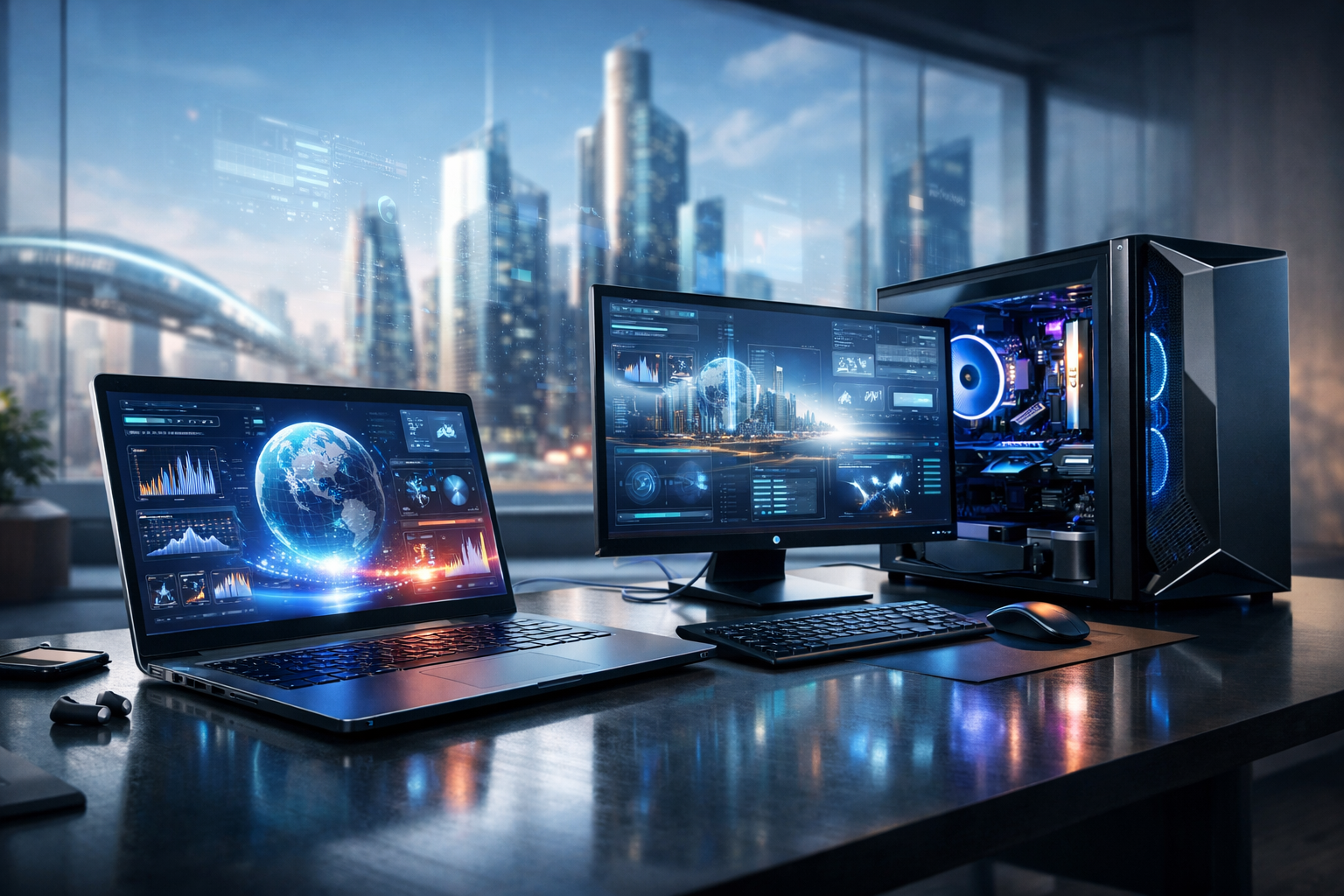
The Modern Role of Laptops and PCs
Despite the rise of smartphones and tablets, laptops and desktop PCs continue to power the most demanding digital tasks. From remote work and online learning to video editing, software development, and immersive gaming, these devices offer the performance, flexibility, and upgrade potential that smaller devices often cannot match. Today’s market is broader than ever, with ultra-portable laptops, powerful gaming rigs, compact mini PCs, and all-in-one desktops designed for different lifestyles and workloads.
Choosing between a laptop and a desktop is no longer just about portability versus power. Advances in processors, battery technology, storage, and displays have blurred the line between categories. A well-chosen laptop can handle professional creative applications, while a desktop can be built for energy efficiency and quiet everyday use. Understanding the core differences helps buyers make better long-term investments.
Laptops vs. Desktop PCs: What Sets Them Apart?
Laptops: Mobility and Convenience
Laptops are ideal for users who need flexibility. Students, hybrid workers, travelers, and anyone who values portability benefit from a device that can move easily from desk to café to conference room. Modern laptops often feature fast solid-state drives, high-resolution displays, efficient processors, and all-day battery life. Premium models may also include lightweight metal builds, touchscreens, and AI-enhanced productivity tools.
However, portability comes with trade-offs. Many laptops have limited upgrade options, fewer ports, and tighter thermal designs than desktops. This can affect long-term customization and sustained high-performance workloads such as 3D rendering or intensive gaming.
Desktop PCs: Power and Expandability
Desktop PCs are still the best option for users who prioritize raw performance, easier repairs, and hardware upgrades. A desktop typically offers better cooling, more internal space, and support for dedicated graphics cards, larger storage arrays, and additional RAM. This makes desktops attractive for gamers, engineers, designers, and professionals running demanding applications.
Desktops also provide excellent ergonomic flexibility. Users can pair them with larger monitors, full-size keyboards, and specialized accessories to create a more comfortable workstation. On the downside, desktops are not portable and usually require a dedicated setup space.
Key Components That Matter Most
Processor Performance
The processor, or CPU, is the brain of any computer. It determines how smoothly a system handles multitasking, productivity apps, creative software, and background processes. For everyday web browsing, office work, and streaming, a modern mid-range processor is often more than enough. For coding, content creation, data analysis, and gaming, higher-end CPUs provide better speed and responsiveness.
Memory and Storage
RAM affects how many tasks a computer can handle at once. For basic users, 8GB may still be serviceable, but 16GB has become the practical sweet spot for a smoother experience. Power users working with large media files, virtual machines, or advanced software may benefit from 32GB or more.
Storage is equally important. Solid-state drives have largely replaced traditional hard drives in mainstream systems because they offer faster boot times, quicker file access, and better reliability. Many buyers now look for at least 512GB of SSD storage, especially if they work with large applications or media libraries.
Graphics Capabilities
Integrated graphics are sufficient for everyday tasks, video playback, and light creative work. Dedicated GPUs become important for gaming, 3D modeling, animation, CAD, and video production. Buyers should assess whether they truly need advanced graphics power, since it can significantly affect price, battery life, and heat output.
Display and Battery Life
For laptop buyers, display quality can have a major impact on comfort and productivity. Resolution, brightness, color accuracy, and refresh rate all matter depending on the intended use. Creative professionals may prioritize color reproduction, while gamers often focus on higher refresh rates. Battery life also remains a critical factor, especially for users who spend long hours away from a power outlet.
How Buying Trends Are Changing
Consumer expectations around laptops and PCs have shifted in recent years. Users now want systems that balance power with efficiency, security, and longevity. Thin-and-light laptops no longer have to feel underpowered, and compact desktops are becoming capable enough for mainstream business and home use.
Another key trend is the growing importance of AI-assisted computing. Newer PCs are shipping with hardware and software features designed to improve video calls, automate workflows, enhance battery management, and accelerate certain creative tasks. While not every AI feature is essential, they are increasingly becoming part of the buying conversation.
Sustainability is also shaping the market. Manufacturers are introducing more recycled materials, energy-efficient components, and repair-friendly designs. Consumers are paying closer attention to durability, warranty support, and upgradeability rather than replacing systems every few years.
What to Consider Before You Buy
- Primary use: Identify whether the system is mainly for office work, school, gaming, design, programming, or general home use.
- Budget: Decide which features matter most so you can prioritize performance where it counts.
- Portability: If you travel often, weight, battery life, and charging convenience matter more.
- Upgrade path: Desktop users and some laptop buyers should check whether RAM or storage can be expanded later.
- Connectivity: Make sure the device includes the ports and wireless standards you need.
- Build quality: A durable chassis, quality keyboard, and reliable cooling can improve long-term satisfaction.
The Best Choice Is the Right Fit
There is no single best laptop or PC for everyone. The right choice depends on how you work, where you work, and how long you expect the system to remain useful. A student may value a lightweight laptop with great battery life, while a video editor may need a desktop with powerful graphics and ample storage. A family computer may prioritize ease of use and reliability over cutting-edge specifications.
In a fast-moving technology landscape, informed buying matters more than chasing the newest trend. By focusing on performance needs, display quality, memory, storage, and long-term usability, buyers can select a laptop or PC that feels capable today and remains relevant tomorrow. Whether portable or stationary, modern computers continue to be among the most important tools in everyday life and work.